Best Seller Icon Bestseller

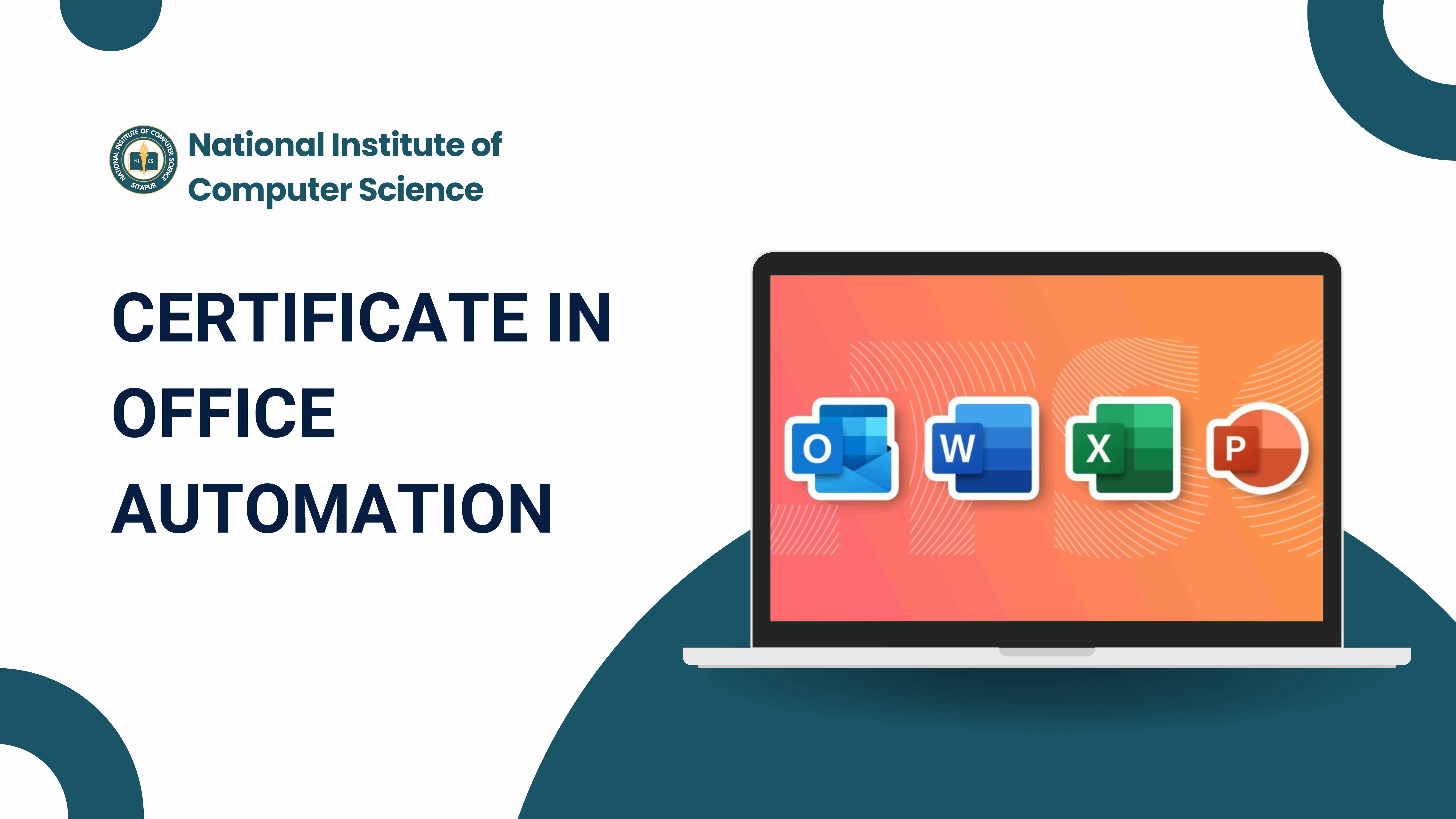
CERTIFICATE In OFFICE AUTOMATION(S-OA-4810)

  • Last updated Apr, 2026
  • Certified Course
₹4,500 ₹5,500

Course Includes

  • Duration4 Months
  • Enrolled0
  • Lectures30
  • Videos0
  • Notes0
  • CertificateYes

What you'll learn

The MS Office Automation course is designed to help students and professionals learn how to efficiently use tools from the Microsoft Office package for day-to-day office work and business tasks. This course focuses not only on basic usage but also on automation techniques that save time and improve productivity.

Students will gain hands-on experience with key applications like Microsoft Word, Microsoft Excel, and Microsoft PowerPoint. They will learn how to create professional documents, manage and analyze data, and design effective presentations.

A major part of the course is dedicated to automation, where learners are introduced to tools such as:

  • Macros for recording repetitive tasks
  • Basic VBA (Visual Basic for Applications) programming
  • Mail Merge for bulk document creation


By the end of the course, students will be able to:

  • Perform office tasks faster and more accurately
  • Automate repetitive work
  • Improve productivity in any office environment
  • Prepare for job roles such as Office Assistant, MIS Executive, and Data Operator


Show More

Course Syllabus

MS Office Automation Syllabus


🔹 Module 1: Introduction to MS Office

  • What is Microsoft Office
  • Applications overview:
  • Microsoft Word
  • Microsoft Excel
  • Microsoft PowerPoint
  • Microsoft Outlook
  • Office versions & interface (Ribbon, Tabs, Groups)
  • File management (Save, Save As, Export)


🔹 Module 2: Microsoft Word (Documentation Automation)

Basic

  • Text formatting (font, size, color)
  • Paragraph formatting (alignment, spacing)
  • Page setup (margin, orientation)

Intermediate

  • Tables, Images, Shapes
  • Header, Footer, Page Number
  • Find & Replace

Advanced (Automation)

  • Mail Merge (letters, labels, emails)
  • Templates creation
  • Styles & Themes


🔹 Module 3: Microsoft Excel (Data Automation Core)

Basic

  • Workbook & worksheet basics
  • Data entry & formatting
  • Basic formulas (SUM, AVERAGE, COUNT)

Intermediate

  • Functions:
  • IF, VLOOKUP, HLOOKUP, XLOOKUP
  • COUNTIF, SUMIF, AVERAGEIF
  • Charts & Graphs
  • Sorting & Filtering
  • Data Validation

Advanced (Automation)

  • Pivot Tables & Pivot Charts
  • Conditional Formatting
  • Macros
  • VBA (automation basics)


🔹 Module 4: Microsoft PowerPoint (Presentation Automation)

Basic

  • Slide creation & layouts
  • Text & image insertion

Intermediate

  • Animations & Transitions
  • Slide Master

Advanced

  • Auto slide generation using templates
  • Presentation automation tips


🔹 Module 5: Microsoft Outlook (Office Communication Automation)

  • Email management
  • Calendar & scheduling
  • Contacts management
  • Rules & filters (auto email sorting)
  • Auto-replies


Course Fees

Course Fees
:
₹5500/-
Discounted Fees
:
₹ 4500/-
Course Duration
:
4 Months

Review

0.0
Course Rating (0 reviews)
0%
0%
0%
0%
0%


Call
Text Message
Review
Email
CHAT